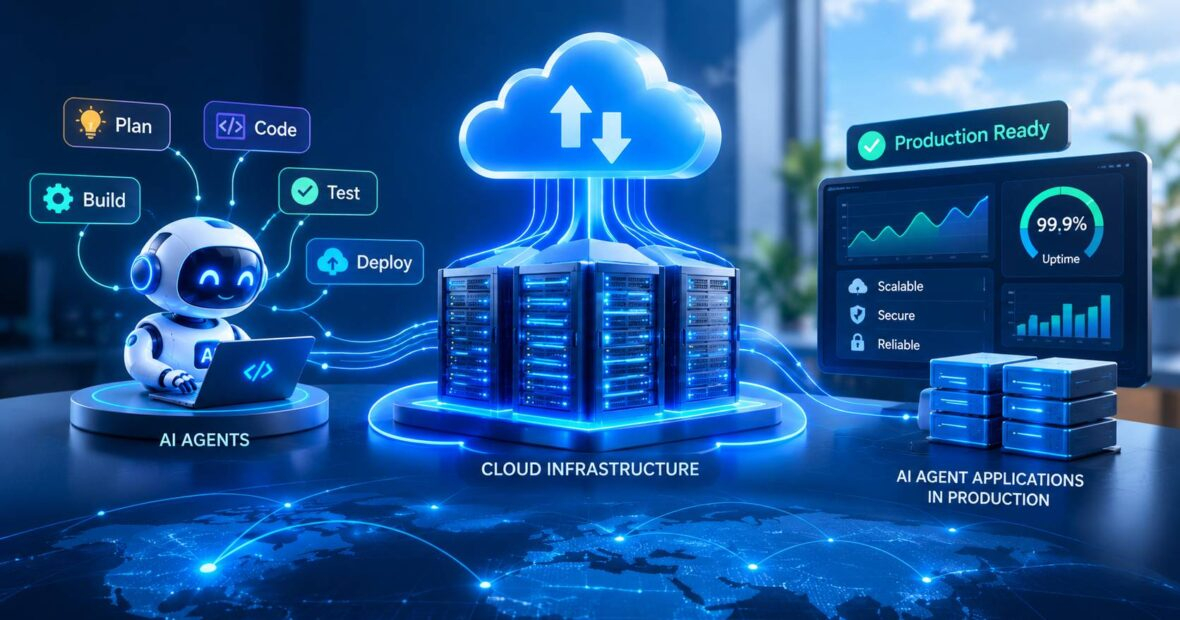
AI agents are moving from demos into real business workflows. They read emails, update CRMs, write code and trigger payments. Unlike a chatbot that only answers questions, an agent takes actions, and every action runs somewhere. That somewhere is your cloud server infrastructure, and its design decides whether the agent is useful, safe and affordable.
Most teams underestimate this. An agent can make dozens of model and tool calls for one task, hold state for hours and touch live business systems. Standard web hosting was not built for that. At CRECSO, we often meet founders whose agent prototype worked well on a laptop but stalled once real users arrived, mostly because the cloud server infrastructure underneath had no plan for long tasks, permissions or cost control.
This guide is for US CTOs, founders and IT managers planning agent products. You will learn the core building blocks, how to isolate risky actions, what a real AI coding company learned the hard way, the mistakes to avoid and a clear plan for designing cloud server infrastructure that holds up in production.
Why AI Agents Need Different Cloud Server Infrastructure
A web request is short and stateless. An agent task is long, stateful and unpredictable. One might finish in four seconds, another might loop through 30 tool calls for ten minutes, which is why cloud server infrastructure for agents looks different.
That difference changes almost every infrastructure decision:
- Compute: Work must run in background workers, not inside a web request that times out.
- State: Each step, tool result and decision has to be saved so tasks can resume after a failure.
- Security: Agents act with real credentials, so permissions must be narrow and audited.
- Cost: Token spend grows with every loop, and one runaway task can burn a day’s budget.
Anthropic’s guide on building effective agents makes a useful point here: the most reliable agent systems tend to be simple, well-scoped workflows rather than open-ended autonomy. Your infrastructure should reflect that.
Core Building Blocks of Cloud Server Infrastructure for AI Agents
1. An Orchestration Layer
This plans steps, calls models and tools and decides when a task is done. Many teams use frameworks such as LangGraph or the OpenAI Agents SDK, then run the orchestrator on containers in Kubernetes or a managed service like AWS ECS or Google Cloud Run.
2. Durable Task Queues and State Storage
Agent tasks should sit in a queue such as Amazon SQS, Redis or a workflow engine like Temporal. State goes into PostgreSQL or a key-value store so that a crashed worker does not mean a lost task.
3. Sandboxed Execution Environments
When agents run code or browse the web, they need isolated sandboxes. Lightweight virtual machines such as Firecracker, or locked-down containers, keep a bad command from reaching production systems.
4. A Model Gateway
A gateway sits between your app and model providers, handling routing, retries, rate limits and cost tracking.
5. Observability and Audit Logs
Every prompt, tool call and output should be traced. Without this, debugging an agent is close to impossible, and compliance teams will not sign off.
| Component | Common Options | Main Purpose |
|---|---|---|
| Orchestration | LangGraph, custom service on Kubernetes | Plan and run steps |
| Task queue | Amazon SQS, Temporal, Redis | Survive failures and spikes |
| Sandbox | Firecracker microVMs, gVisor | Contain risky actions |
| Model gateway | LiteLLM, cloud AI gateways | Routing and cost control |
| Observability | OpenTelemetry, Langfuse, Datadog | Tracing and audit |
Our cloud engineering services team designs these layers for agent products of different sizes.
Real Business Example: Replit’s AI Agent and the Production Database Lesson
- Business challenge: Replit, a US browser-based coding platform, launched Replit Agent in 2024 so users could build apps by describing them. Usage grew fast, and the company has reported revenue climbing past $100 million a year in 2025.
- Solution: The agent writes code, installs packages, sets up databases and deploys apps on Replit’s own cloud infrastructure, which runs largely on Google Cloud.
- Implementation: In July 2025, a well-known SaaS investor publicly reported that the agent deleted his production database during a declared code freeze. Replit’s CEO apologized and the company rolled out automatic separation of development and production databases, plus stronger rollback and planning-only modes.
- Outcome: The fixes were changes to cloud server infrastructure, not to the model. Environment separation, backups and restricted permissions did the real work.
- Business impact: If your agent can touch production, assume one day it will make a mistake there. Design the cloud server infrastructure so that mistake is cheap to undo.
Pros and Cons of Running Agents on Cloud Infrastructure
| Pros | Cons |
|---|---|
| Elastic compute for unpredictable task loads | Token and compute costs can spike |
| Managed queues and databases cut build time | More moving parts to secure and monitor |
| Strong identity and access tooling | Permission mistakes have real consequences |
Best Practices
- Give each agent the least access it needs, with short-lived credentials.
- Require human approval for payments, deletions and external emails.
- Set hard limits on steps, tokens and run time per task across your cloud server infrastructure.
- Keep staging and production fully separate, including data.
- Log everything in a format your security team can search.
Security is often the deciding factor for enterprise buyers, which is why many teams pair agent launches with managed cloud security.
Common Mistakes to Avoid
- Running agent loops inside web requests that time out after 30 seconds.
- Sharing one powerful API key across every agent and tool.
- No budget alerts on model usage.
- Letting agents write directly to production databases.
- Skipping evaluation tests before each release.
How to Get Started
- Pick one narrow workflow with clear goals.
- Map every system the agent will touch.
- Set up a queue, state store and sandbox before adding features.
- Add tracing and cost dashboards on day one.
- Pilot internally, then expand.
Launch checklist:
- Least-privilege roles for each agent
- Human approval on high-risk actions
- Step and spend limits configured
- Backups and rollback tested
- Full trace logging enabled
Operations leaders can see where agents fit day to day on our partner page about AI for operations.
Future Trends
Expect standard protocols such as the Model Context Protocol to simplify tool connections, plus agent identity systems and managed sandboxes. Gartner expects a third of enterprise software applications to include agentic AI by 2028, so this design work will become routine.
Key Takeaways
- Agents are long, stateful and action-taking, so they need queues, state and sandboxes.
- Good cloud server infrastructure makes agent mistakes cheap to reverse.
- Permissions, limits and logging matter as much as model choice.
Conclusion
Designing cloud server infrastructure for AI agents is less about raw power and more about control. Durable queues, isolated execution, tight permissions and clear observability turn a clever prototype into a product people can trust. CRECSO works with US startups and enterprises to plan and build agent-ready cloud environments. If you are moving an agent from pilot to production, speak with our implementation team about the right foundation.