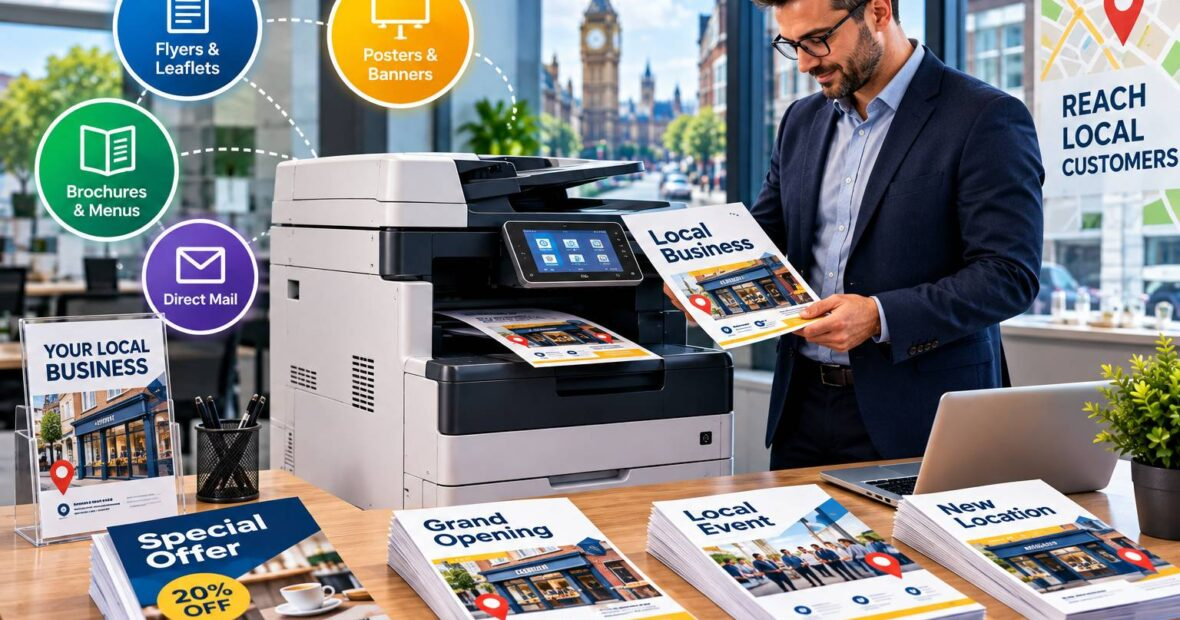
A local campaign rarely runs to a tidy schedule. A café decides on Thursday that it wants 500 flyers for a weekend tasting event. An estate agent needs fresh window cards before a new development launches.
A gym wants branded welcome packs ready for January, and a tradesperson wants a leaflet drop in three postcodes next week. Each of these needs printed material quickly, in volumes that are awkward for both a desktop inkjet and a commercial print run.
Renting a photocopier is one way to cover that gap. This guide explains when it makes sense for local marketing, what a rented machine can and cannot do, how to judge the costs, and what to check before you sign an agreement.
Why Local Campaigns Create Unusual Print Demands
National brands tend to plan print months ahead and order in bulk from commercial printers. Small and medium-sized businesses working locally behave differently. Their print needs are often short-notice, seasonal and uneven. A quiet month might need almost nothing, followed by a fortnight in which several thousand sheets are used.
That pattern causes three common problems:
- Outsourcing every job to a print shop is convenient but can become costly when you reorder small quantities frequently, and each change to a design may mean a new proof and a new wait.
- Using a basic office printer for flyers and leaflets usually works for a handful of copies, but speed, duty cycle and cost per page quickly become limitations at campaign volumes.
- Buying a high-capacity multifunction device outright ties up capital in equipment that may sit idle between campaigns.
Rental sits between those options, giving access to a proper production-capable machine without the commitment of ownership.
What a Rented Photocopier Can Do for Marketing Material
Modern photocopiers are usually multifunction devices (MFDs), combining printing, copying, scanning and often finishing in a single unit. For local marketing, the useful features tend to be practical ones rather than technical headlines.
Colour Printing at Campaign Volumes
A colour MFD can produce flyers, menus, price lists, appointment cards, in-store posters and event programmes in-house. Speed and paper handling are the main differences from a standard desktop printer. A device built for office volume can run through large jobs without constant refilling or overheating, which matters when you are printing a thousand sheets before a deadline.
Paper Sizes, Weights and Finishing
Marketing material often needs more than plain A4. Depending on the model, rented machines may handle A3, heavier stock for leaflets and cards, and double-sided printing as standard. Some include stapling, folding or hole-punching options, which is useful for booklets, information packs and event programmes. Not every machine does all of this, so it is worth being specific about what you need before choosing a model.
Scanning and Copying Alongside Printing
Campaigns generate paperwork as well as promotional material: signed event forms, competition entries, coupons, feedback cards and partner agreements. Having scanning and copying in the same device keeps that admin in one place.
What It Cannot Replace
Rental is not the answer to every marketing print job, and it is better to be realistic about that early.
A copier is not a substitute for commercial printing when you need specialist finishes, such as foil, spot UV, embossing, large-format banners, or very large runs where per-unit cost from a commercial press is considerably lower. Colour matching is another consideration. Office devices can produce good, consistent results, but they do not behave like a calibrated press, and exact brand colour reproduction can vary between machines and paper stocks.
A sensible approach is to split the work. Use a rented device for fast-turnaround, smaller and mid-sized jobs, and use a commercial printer for premium or high-volume pieces.
When Renting Makes More Sense Than Buying
Whether to rent or buy depends on how predictable your print needs are, how much capital you want to commit and how quickly the equipment might need replacing. A comparison of printer rental vs buying covers the main financial and practical points in more detail, but several factors apply specifically to campaign-driven businesses.
Renting tends to suit a business when:
- Print volumes rise and fall with seasons, launches or events
- The business does not want a large upfront outlay
- Servicing, toner and repairs are better handled by a supplier than by staff
- The machine may need to change as the business grows, for example moving from A4 to A3 capability
- The campaign is time-limited and a long-term asset is not needed
Buying may be a better fit where volumes are steady and high year-round, where the machine will be used for many years, or where the business is comfortable managing maintenance and consumables itself. Neither choice is universally better. It comes down to your own volumes, cash flow and how long you expect to need the equipment.
How Photocopier Rental Works in Practice
The mechanics vary between suppliers, but most arrangements follow a similar pattern. You choose a machine to match your volume and feature needs, agree a term (often monthly, quarterly or over several years), and pay a regular rental fee. Many agreements also include servicing and support, and sometimes consumables, with a separate charge for pages printed.
If you are new to the process, a plain-English explanation of how printer rental works for UK businesses is a helpful starting point before you begin requesting quotes.
Specialist suppliers of photocopier rental UK can usually advise on matching a model to your expected volumes, which is more reliable than guessing. Be ready to describe your typical campaign: how many pages, what paper sizes, how often and how quickly you need them.
The Costs You Will See
Rental pricing generally combines several elements, and the way they are split differs between providers:
- A fixed rental charge for the machine
- A charge per page, often at different rates for black and white and colour
- Possible installation or delivery charges
- Minimum contract terms or early termination conditions
- Extra charges for specific services, such as additional training or out-of-hours support
Because the structure varies, compare quotes on the total expected cost for your actual usage, not on the headline monthly figure alone. A low rental fee paired with a high colour click charge can cost more than a higher fee with cheaper pages, particularly if your campaigns are colour-heavy.
Matching a Machine to a Campaign
A useful way to choose is to work backwards from what you will print. Consider two examples.
A local estate agent producing property flyers, window cards and viewing sheets might print a few hundred colour pages at a time, usually on A4 and A3, with regular changes to content. A mid-range colour MFD with A3 capability and double-sided printing would suit that pattern. Print speed matters less than flexibility and finish.
A community fitness studio launching a January promotion might need 2,000 A5 leaflets, welcome packs and membership forms over a short window. Here, speed, paper handling and the ability to print on slightly heavier stock become more important, and a higher-capacity device may be worth considering for the busy period.
In both cases, it is better to describe your jobs to a supplier than to start with a model number. Ask about monthly duty cycle (the volume a machine is designed to handle), paper capacity, supported stock weights and whether the device can handle the sizes and finishing you need.
Planning Print Around the Campaign Timeline
Having the equipment is only part of the picture. A few planning habits make in-house campaign printing run more smoothly.
Set up templates for your recurring marketing pieces in advance, so a flyer or poster can be updated and printed without redesigning it each time. Order paper stock before the campaign rather than during it, since specialist or heavier paper is not always available at short notice. Run a test print of any new design on the actual machine before committing to a full run, because colours and margins can look different from the on-screen version.
It also helps to estimate volume realistically. Overestimating can leave you paying for capacity you do not use, while underestimating may lead to rushed reprints or machine strain during the busiest week.
Questions to Ask Before You Sign
The details of an agreement matter as much as the machine. Before committing, it is worth getting clear answers to a few questions.
- What is the minimum term, and what happens if the campaign ends earlier than expected or if your needs change?
- Are servicing, repairs and toner included, and how quickly will an engineer attend if the machine fails during a campaign?
- How are page charges calculated, and is there a minimum monthly volume?
- Can the machine be upgraded or swapped if your volumes grow?
- What are the delivery, installation and collection arrangements?
- Is training provided for staff using the device?
Reliability deserves particular attention for campaign work, because a breakdown close to a launch date has a real cost. Ask what response times the supplier commits to, and get those in writing instead of relying on a verbal assurance.
Finally, compare more than one supplier. Looking at independent guides to PhotocopierRental UK alongside direct quotes can give you a clearer sense of what typical terms and options look like before you negotiate.
Practical Considerations for Security and Compliance
Marketing campaigns often involve personal data: competition entries, mailing list sign-ups, event registrations and customer feedback forms. If those documents are scanned, copied or printed on a shared device, the business remains responsible for handling the information properly under UK data protection rules.
Ask whether the device offers features such as secure print release (where a job only prints when the user authenticates at the machine), user access controls and hard drive security or data wiping when the equipment is returned. These features vary between models and suppliers, so do not assume they are included. If you are unsure about your obligations, the Information Commissioner’s Office provides guidance for small businesses.
A Practical Next Step
Before requesting any quotes, spend ten minutes working out what your next three campaigns will actually need: the approximate number of pages, the paper sizes and weights, the split between colour and black and white, and how quickly each job must be turned around. With those figures in hand, a supplier can recommend a suitable machine, and you will be able to compare quotes on a like-for-like basis, instead of on the monthly price alone.
Published by CRECSO.